Prepare
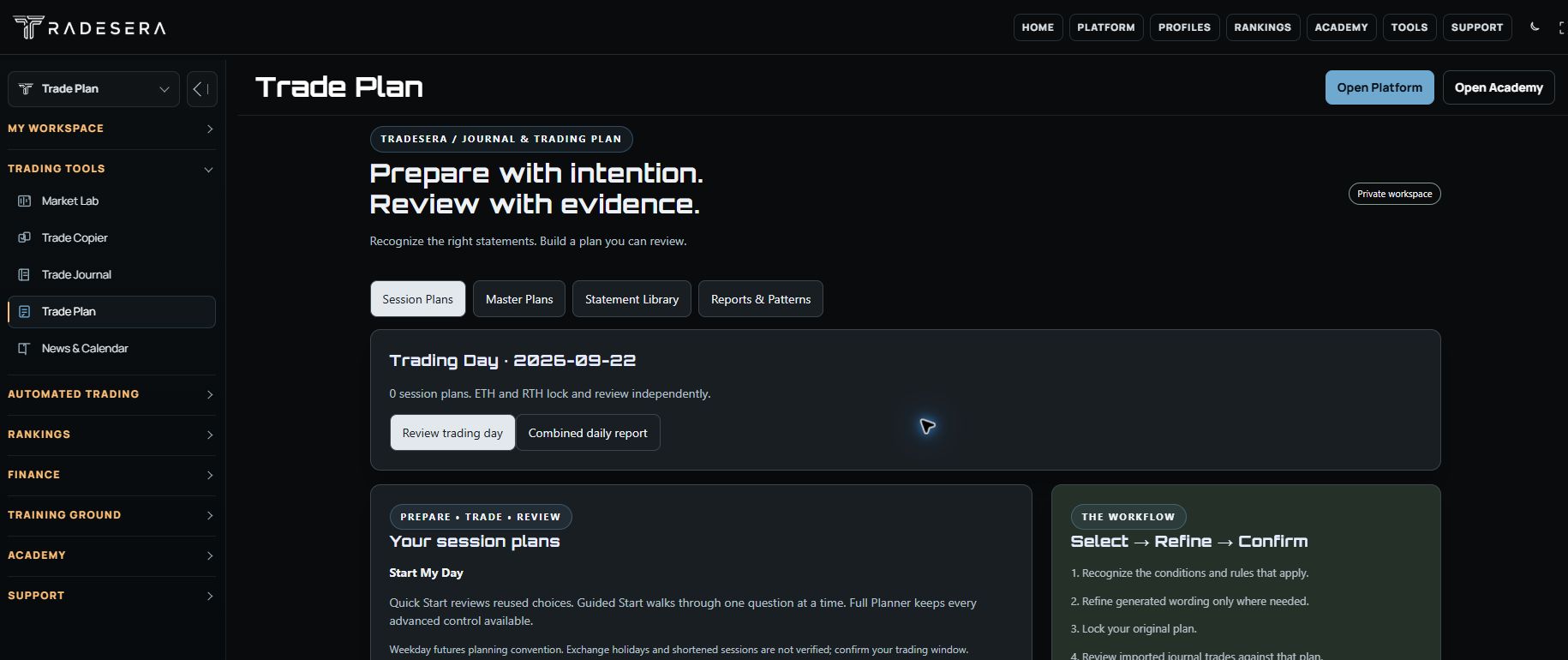
Build a master plan, map the session, write scenarios, and define what you want to observe before the market gets your attention.
Tradesera Portal / Your member workspace
Plan your day, review your trades, organize your finances, and keep developing. Give the work around the chart a home of its own.
One member workspace · Product access varies by plan and availability
Built around your trading day
Start with a plan, stay aware of the market, and make the review useful for the next session.
Build a master plan, map the session, write scenarios, and define what you want to observe before the market gets your attention.
Open Terminal for charting and available account context. Keep the plan and the tools you are eligible to use within reach.
Bring decisions into your Journal, review patterns, and keep financial organization and learning moving alongside your trading development.
The product family
Choose the part of your process you want to improve. Each product keeps its own permissions, supported sources, and access requirements.
Master plans, session scenarios, checklists, reviews, and reports. Keep your preparation and the evidence from your day in the same workflow.
Open Trade PlanReview supported trade records, tag setups and mistakes, and add notes.
Playbook & Reviews. Organize your setups and reflect on trades, sessions, and weekly progress.
Trading Analytics. Explore patterns across your records with descriptive performance analysis.
Reports & Exports. Bring your reviews together and export supported records in CSV or PDF. Source and coverage context show what is included.
Open JournalOrganize personal finances and your trading business with transactions, budgets, goals, fees, payouts, and reports. Connections and member access vary.
Explore FinanceExplore connected-account groups, instrument mapping, sizing, risk controls, and activity. Supported accounts and execution access are separately controlled.
Copier detailsBuild strategies, examine test evidence, and review controlled practice workflows. Available execution remains subject to pilot access and supported connections.
Explore automationExplore guided practice and simulation tools, with separately released replay, backtesting, and challenge experiences. Modes and access are not bundled into the free Terminal.
Explore training toolsDevelopment has a longer horizon
A session is one part of the story. Education, profiles, and eligible rankings help you put the next chapter in perspective.
Explore structured lessons, practical guides, and learning paths. Return to the concepts that matter to your current stage.
Explore AcademyOrganize your identity and development record, with control over what you share. Keep private review separate from public presentation.
Explore profilesExplore eligible records, disclosed digital strategies, and published methodology. Rankings are context, not a promise of future performance.
Explore rankingsThe connected direction
Terminal connections to Copier, Journal, Trade Plan, Finance, and Rankings are being rolled out in stages. The goal is less repeated work and more useful context throughout the day. Full synchronization is not available across every product or account today.
Discover the free TerminalStart with the essentials
The Terminal focuses on futures charts and eligible Rithmic account reads. The Portal is your member workspace for planning, review, finance, learning, and additional tools. You can move between them without treating them as the same product.
No. A free account is the starting point. Membership, pilot eligibility, provider permissions, and product availability determine what you can use. Check current plans and the access information shown inside each product.
Compare plansJournal review and public trader profiles serve different purposes. Use the product’s sharing and visibility controls to decide what you publish. Eligible ranking records follow their own rules and methodology.
We welcome conversations with educators, communities, and potential partners. Tell us what you need so we can discuss current capabilities and fit. Business packages and integrations require a separate agreement.
Talk to usA home for your process